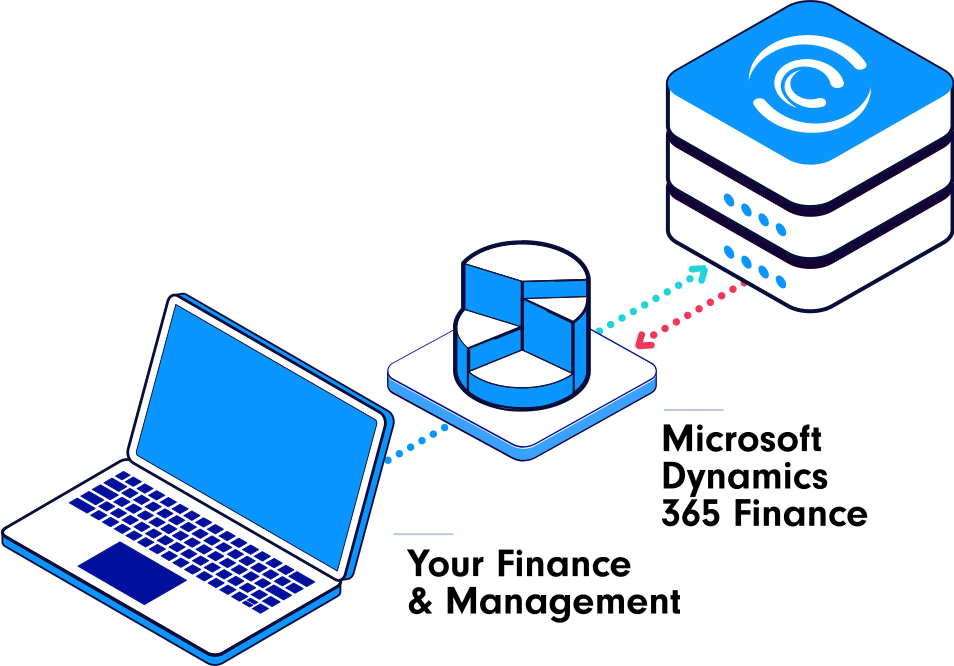
Seamlessly integrate Cario with
Microsoft Dynamics 365 Finance

Access to over 300 carriers

  • 158
  • 99
  • 21
  • 19
  • 18
  • 16
  • 8
  • Toll
  • Tnt
  • Startrack
  • Post
  • Fedex
  • Couriersplease
  • Earoad
  • Dhl
  • 158
  • 99
  • 21
  • 19
  • 18
  • 16
  • 8
  • Toll
  • Tnt
  • Startrack
  • Post
  • Fedex
  • Couriersplease
  • Earoad
  • Dhl

Cario Freight Management System’s native Microsoft Dynamics 365 Finance connector enables access to hundreds of Australian and New Zealand carriers. The integration is simple to install within your cloud instance, and the adapter is supported here in Australia.

With this integration, you can run your entire freight process from within Microsoft Dynamics 365 Finance from Sales Order to Ship Package to Tracking to Invoicing. Get all the benefits of having a Freight Management System within the familiar environment of Microsoft Dynamics 365 Finance and maintain a single source of data.

Common data fields from Microsoft Dynamics 365 Finance:

  • Sending Location Name
  • Receiving Location Name
  • Receiver Address
  • Customer Reference Numbers
  • Order and Invoice Numbers
  • Carrier and Service (if defined)
  • Carrier Account Code (if defined)
  • Shipment item details including Items, Boxes, SKUs
  • Dangerous Good detail (if applicable)

If you’re using Microsoft Dynamics 365 Finance to run your business, integration with Cario eliminates the need to:

  • swap systems to get freight pricing
  • access tracking information
  • report on freight data.

Common Data sent back from Cario to Microsoft Dynamics 365 Finance:

  • Consignment Note number
  • Tracking Link
  • Carrier and Service
  • Latest tracking event
  • Freight cost
  • ETA
  • Dispatch date

Common Integration Scenarios:


1. Quoting

Give your customers different delivery options depending on the urgency of the order, all from within the Sales Order screen of Microsoft Dynamics 365 Finance. '

Delivery options could include

  • Least Cost Routing
  • Quickest Delivery time
  • Preassigned carrier and service
  • Other predefined factors from within Cario

2. Consigning

Create a consignment from within Microsoft Dynamics 365 Finance. Edit the Sales Order, input the Ship Package details and finalise the Sales Order. This will then seamlessly flow through to Cario FMS via APIs and present carrier options within Microsoft Dynamics 365 Finance. Select the Freight Carrier and Service to automatically create the consignment and print the shipping label/s.

  • Associate a freight carrier or a range of carriers to a customer, all from within Microsoft Dynamics 365 Finance.
  • The receiver address is taken from the address on the sales order within Microsoft.
  • Print labels and con notes from within Microsoft Dynamics 365 Finance fulfilment shipping screen

3. Tracking

Package tracking information is automatically updated within the Microsoft Dynamics 365 Finance Item Sales Order screen. This includes getting the PODs so your customer service teams have the most up-to-date information, increasing first time query resolution.

  • Release lots of capacity from within your customer service teams and make onboarding new team members easier with less training requirements

4. Finance

Get real-time freight costs back into Microsoft Dynamics 365 Finance as the Sales Order is Shipped. This will then sit against the Sales Order, broken down by Freight, Fees and Total. You can then include this cost from your GL or a percentage of it to add to your customer’s final invoice, helping with freight recovery.

  • Easier invoice reconciliation once the invoice is received
  • More accurate accruals and better customer experience

Trusted by over 20,000 businesses, including:

Get a custom demo tailored to your systems

Ready to see how Cario can integrate with your current ERP, WMS, or e-commerce platform? Schedule a personalised demo to explore how Cario can streamline your freight operations.