

Branded Track and Trace
04 May 2026

Branded Track and Trace in Cario allows businesses to provide receivers with a customised tracking experience that reflects their own brand, not just the carrier’s.
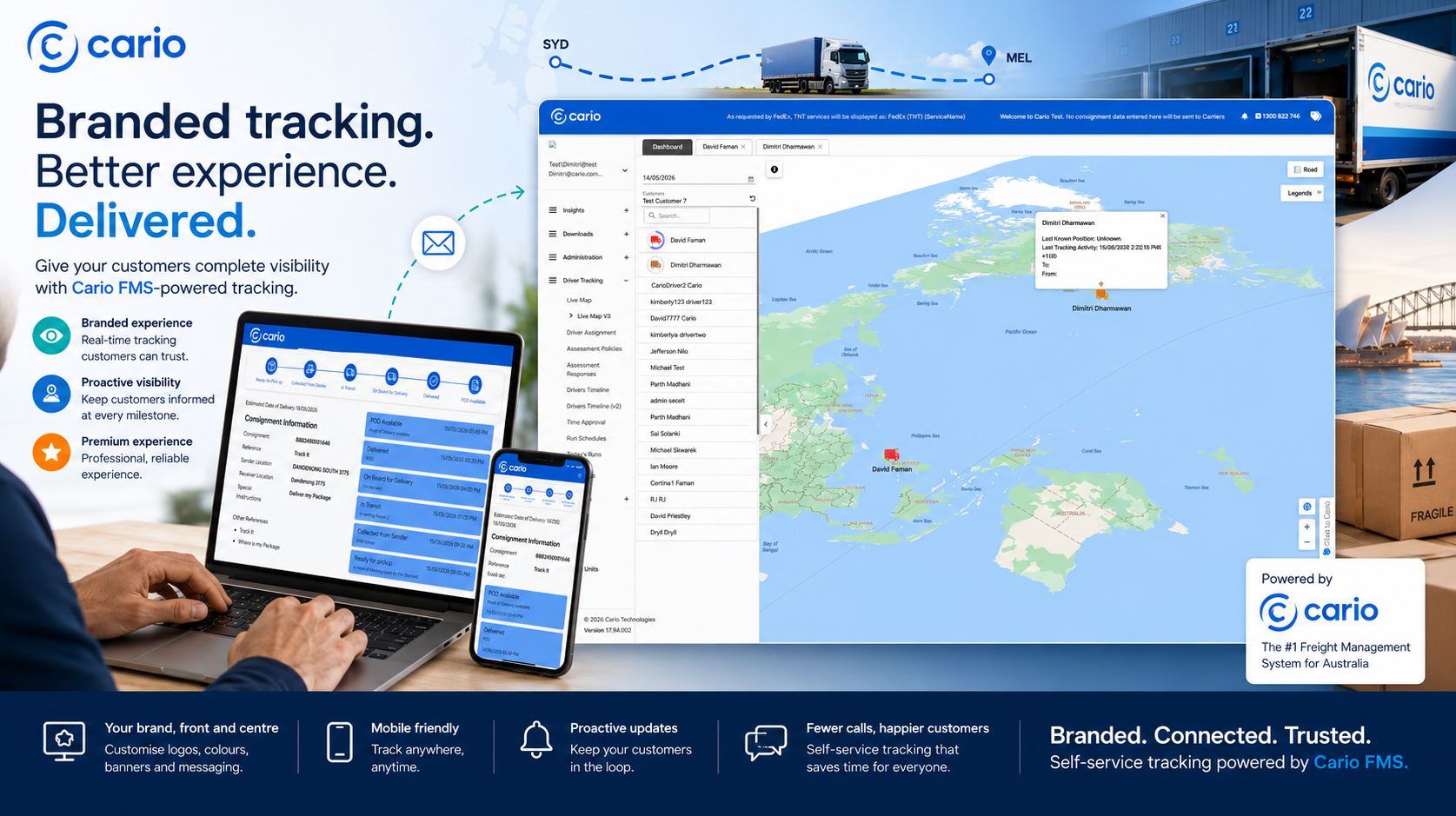
Using Advanced Shipment Notifications (ASN), Cario can automatically send shipment update emails to the receiver’s email address. These emails can include a tracking link that takes the receiver to a custom branded tracking
website, where they can view the latest freight status, milestone updates, consignment details, and map-based tracking information.
This helps businesses improve customer communication, reduce inbound “where is my freight?” enquiries, and deliver a more professional post-dispatch experience.
Cario’s ASN settings are configured at the customer or site level via Administration → Customers → Messaging, allowing different branding, sender details, and notification rules per account. (Cario Knowledge Base)
What Is Branded Track and Trace?
Branded Track and Trace is a customised tracking page that receivers can access from the ASN email sent through Cario.
Instead of sending customers to a generic carrier tracking page, Cario can direct them to a branded tracking experience tailored to your business.
The branded tracking page can be customised to include:
- Brand colours
- Company logo
- Custom text and messaging
- Website links
- Header banners
- Tracking milestone updates
- Consignment details
- Map visibility
- Delivery progress information
This creates a more consistent and professional customer experience from dispatch through to delivery.
How It Works
When a consignment is created and the receiver’s email address is included, Cario can send an Advanced Shipment Notification to that receiver.
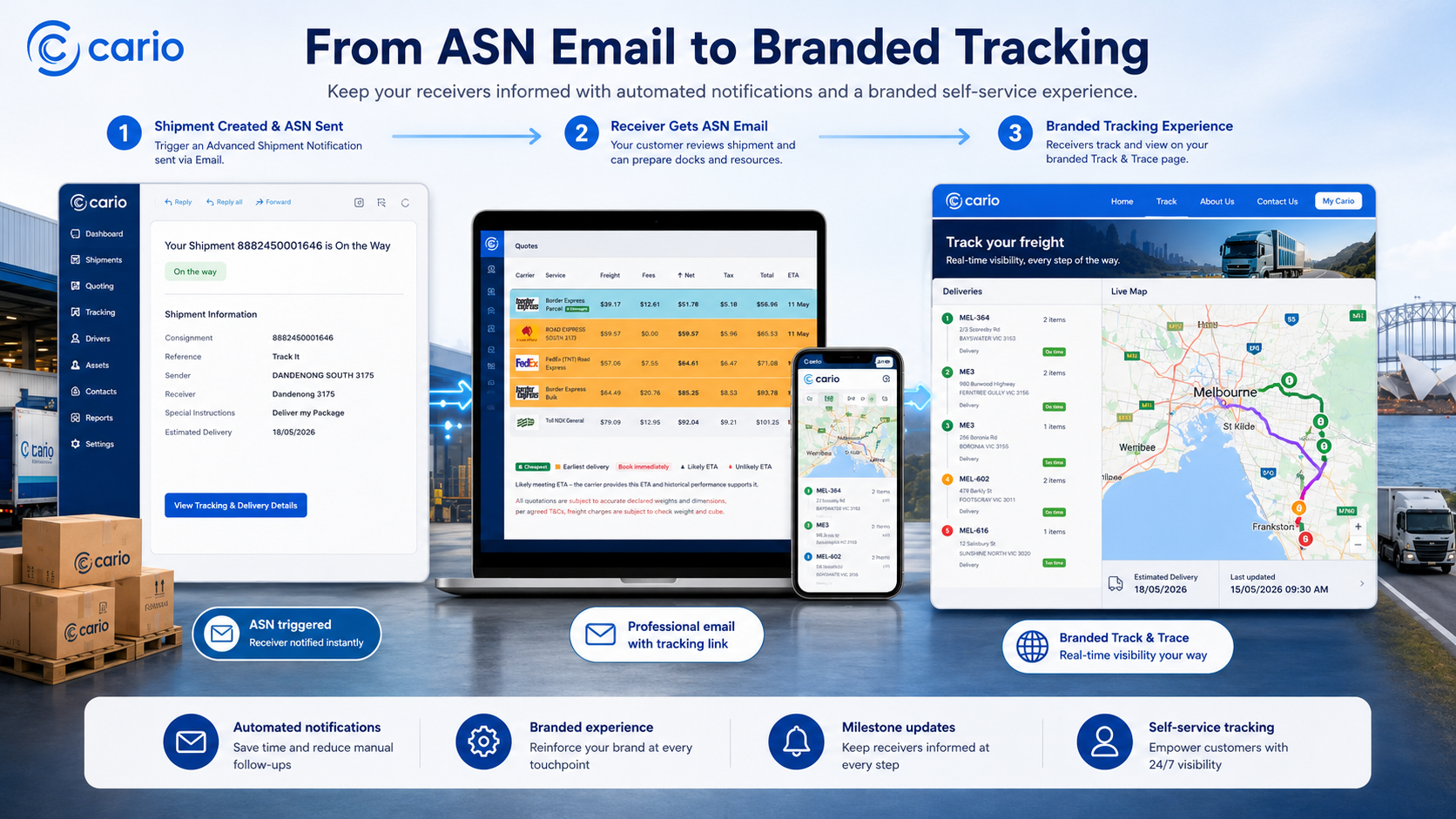
The email can include a tracking link. When the receiver clicks the link, they are taken to a branded tracking website where they can view the progress of their freight.
A typical flow looks like this:
- A consignment is created in Cario.
- The receiver email address is added to the consignment.
- ASN is triggered based on the selected shipment event.
- The receiver receives a branded shipment notification email.
- The receiver clicks the tracking link in the email.
- The tracking link opens a branded Track and Trace page.
- The receiver can view shipment milestones, consignment information, and tracking updates.
What Receivers Can See
The branded tracking page can provide receivers with key shipment visibility, including:
Shipment Milestones
Receivers can view the progress of the consignment through key freight events such as:
- Picked Up
- In Transit
- On Board
- Delivered
Cario’s ASN configuration allows notification triggers to be selected across shipment lifecycle events such as Picked Up, In Transit, On Board, and Delivered. (Cario Knowledge Base)
Consignment Details
The branded page can display relevant consignment information, such as:
- Consignment number
- Receiver details
- Carrier or service details
- Pickup and delivery information
- Shipment status
- Reference numbers where applicable
Map Visibility
Where supported by the carrier integration and tracking data, the page can include map-based visibility to help receivers understand freight movement and delivery progress.
Branded Customer Experience
The tracking page can be customised to better reflect your business, including:
- Your logo
- Your brand colours
- Your preferred wording
- Custom banners
- Website links
- Support or contact information
This keeps the receiver experience aligned with your brand, rather than sending them to a disconnected third-party page.
Where to Configure ASN
ASN settings are managed in Cario under:
Administration → Customers → Messaging
These settings are configured per customer or dispatch site, which means different accounts can have different sender details, branding, and notification rules. (Cario Knowledge Base)
Key Configuration Areas
Sender Details
You can configure who the notification appears to be sent from.
This includes details such as:
- Message email address
- Customer or site name
- SMS sender name, where SMS notifications are used
The sender email address appears as the From address on ASN emails. (Cario Knowledge Base)
Branding
Branding can be applied to the ASN email and tracking experience.
This may include:
- Company logo
- Brand colours
- Custom wording
- Banners
- Links to your website or support pages
In the ASN setup, a logo or branding file can be uploaded so it appears in ASN email notifications. (Cario Knowledge Base)
Notification Templates
Email templates control the content and format of the ASN emails sent to receivers.
The template can include the shipment message, tracking link, and other supporting information needed by the receiver.
Notification Triggers
You can choose when ASN emails are sent during the shipment lifecycle.
Common trigger points include:
- Picked Up
- In Transit
- On Board
- Delivered
A common best practice is to enable key milestone notifications such as Picked Up and Delivered to keep receivers informed without over-notifying them. (Cario Knowledge Base)
Why Use Branded Track and Trace?
Better Customer Experience
Receivers get a clear, professional tracking experience that reflects your brand and provides useful shipment visibility.
Fewer Tracking Enquiries
When customers can self-serve their tracking updates, your customer service team receives fewer “where is my order?” or “where is my freight?” enquiries.
Consistent Branding
Instead of sending receivers to multiple carrier websites, you can provide a consistent branded tracking page that feels like part of your own service.
More Transparent Freight Communication
Receivers can view milestone updates, consignment details, and available tracking information in one place.
Customer-Specific Setup
Because ASN settings are configured per customer or site, businesses can tailor the tracking experience for different brands, customers, warehouses, or dispatch locations.
Operational Notes and Best Practices
Before enabling Branded Track and Trace through ASN, ensure:
- The receiver email address is correctly populated on the consignment.
- The correct customer or dispatch site is selected.
- The ASN email template includes the tracking link.
- Branding assets such as logos, colours, banners, and links are confirmed.
- Notification triggers are selected carefully to avoid over-notifying receivers.
- Tracking visibility may depend on the carrier integration and available tracking data.
ASN settings apply per customer, not globally, so branding and notification behaviour should be reviewed for each relevant customer or dispatch site. (Cario Knowledge Base)
Summary
Cario’s Branded Track and Trace capability allows businesses to send receiver shipment notifications through ASN and direct customers to a customised branded tracking website.
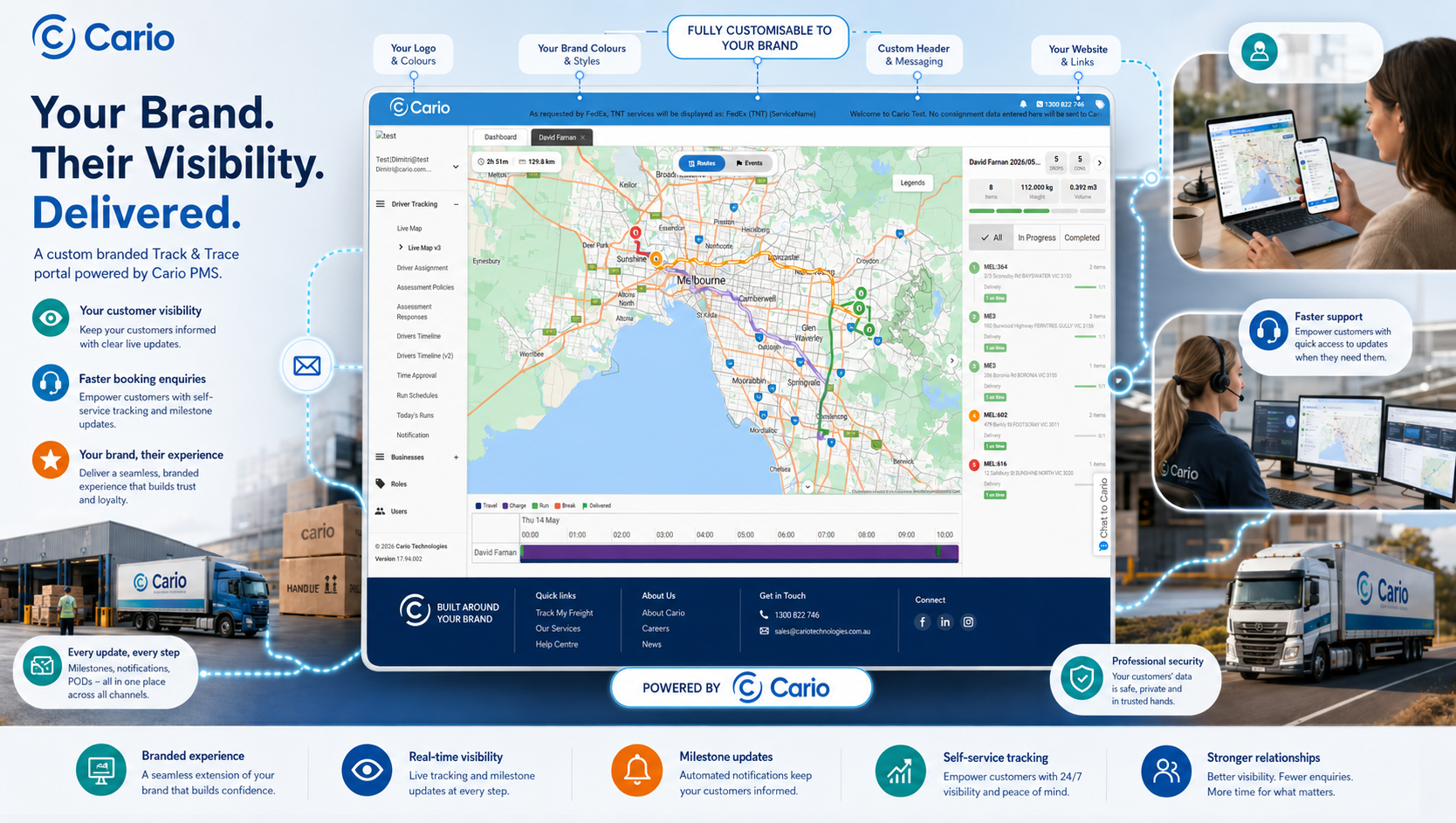
This tracking experience can include your logo, colours, text, banners, links, shipment milestones, consignment details, and map visibility. It gives receivers a clearer way to track their freight while helping your business reduce manual tracking enquiries and deliver a more professional customer experience.