

Cario Tip of the Week: Stop Rebuilding Freight Quotes — Save Them and Pick Up Where You Left Off
22 June 2026

Learn how Cario’s Save Quote and Retrieve Quote features help freight teams avoid repeated data entry, preserve pricing details and continue bookings when they are ready. Save time, improve accuracy and streamline your freight quoting workflow.
It's 3:47 PM on a Thursday afternoon.
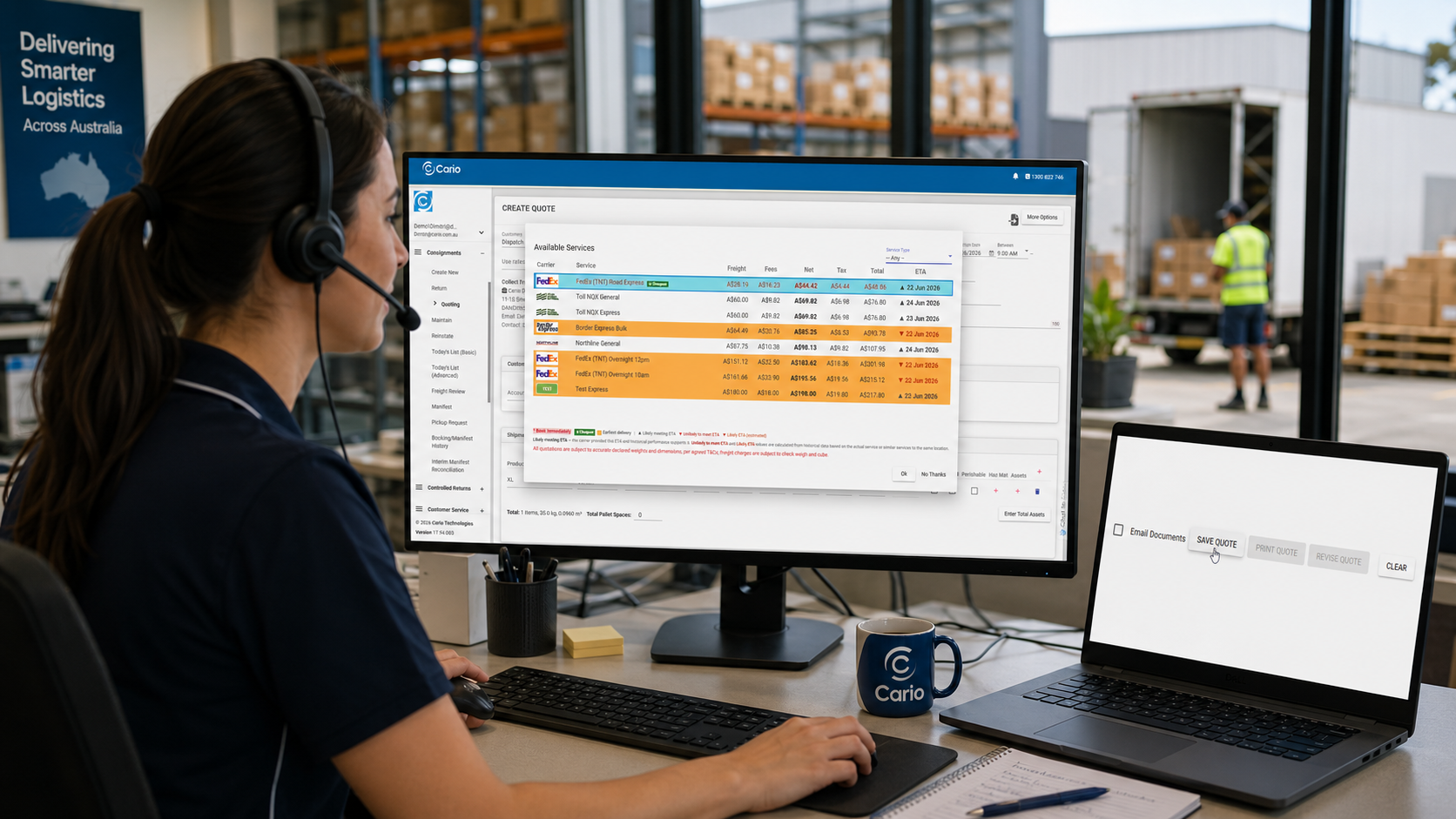
Sophie, a Customer Service and Logistics Coordinator, has just spent ten minutes comparing freight options for a customer.
At 3:47 PM, Sophie enters the delivery address, adds the pallet dimensions, compares several carrier services, reviews the pricing and checks the estimated delivery times. Just as she is ready to proceed, the customer says, “Thanks, I just need approval from my manager. I’ll come back to you tomorrow.” Sophie moves on to her next task, but the following morning the customer calls back with approval. Now she has two options: rebuild the entire quote from scratch, or reopen the work she has already completed using one of Cario’s most useful productivity features.
Save Quote.
The Hidden Productivity Killer Most Freight Teams Deal With
Freight bookings don't always happen immediately after a quote is generated.
In fact, many shipments sit in limbo while waiting for:
- Customer approval
- Internal budget sign-off
- Final shipment dimensions
- Delivery scheduling confirmation
- Stock availability
- Carrier selection decisions
Without a way to save the quote, teams often find themselves repeating the same work multiple times.
The result?
- Duplicate data entry
- Lost productivity
- Inconsistent pricing information
- Frustrated users
- Delayed bookings
For busy logistics, customer service, and dispatch teams, those minutes quickly add up.
Why Save Quote Exists
The Save Quote feature was designed for a simple reason: Not every shipment is ready to be booked when the pricing is calculated.
Sometimes the freight quote is only one step in a larger approval process. Rather than forcing users to start again later, Cario allows the quote to be saved and retrieved whenever the shipment is ready to proceed.
Think of it as putting your freight booking "on hold" without losing any of the work you've already completed.
What Actually Happens When You Save a Quote?
When you save a quote, Cario stores:
- Delivery details
- Shipment information
- Dimensions and weight
- Selected carrier service
- Pricing calculations
- Available freight options
Importantly, saving a quote does not:
❌ Create a consignment
❌ Book freight with a carrier
❌ Request a pickup
❌ Notify the carrier
❌ Commit you to any booking
This means your team can confidently prepare freight options without worrying about accidentally triggering a shipment.
Note : Quotes will expire in 30 days and will be recalculated after 30 days to ensure the price is still current
Five Situations Where Saving a Quote Can Save You Time
1. Waiting for Customer Approval
This is the most common scenario. A customer wants a freight price before confirming an order. Instead of rebuilding the quote tomorrow, next week, or next month, simply save it and retrieve it when approval arrives.
2. Comparing Carrier Options
Sometimes the cheapest carrier isn't the best option. Sometimes the fastest service isn't required. Sometimes the customer wants multiple options.
Save the quote while stakeholders review:
- Cost
- ETA
- Service level
- Carrier preference
Then reopen it once a decision has been made.
3. Goods Aren't Ready Yet
Your warehouse knows what is being shipped, but the goods haven't been packed, or production hasn't finished, or stock hasn't arrived.
The quote can be prepared now and booked later.
4. Team Handovers
The person who calculated the quote may not be the person who books the freight. With a saved quote, another team member can simply retrieve the information and continue where the previous user left off.
No notes. No spreadsheets. No rekeying information.
5. High Volume Freight Environments
For businesses managing hundreds or thousands of consignments each month, removing repetitive tasks becomes critical. Saving quotes helps teams spend less time entering data and more time managing exceptions and customer outcomes.
How to Save a Quote in Cario
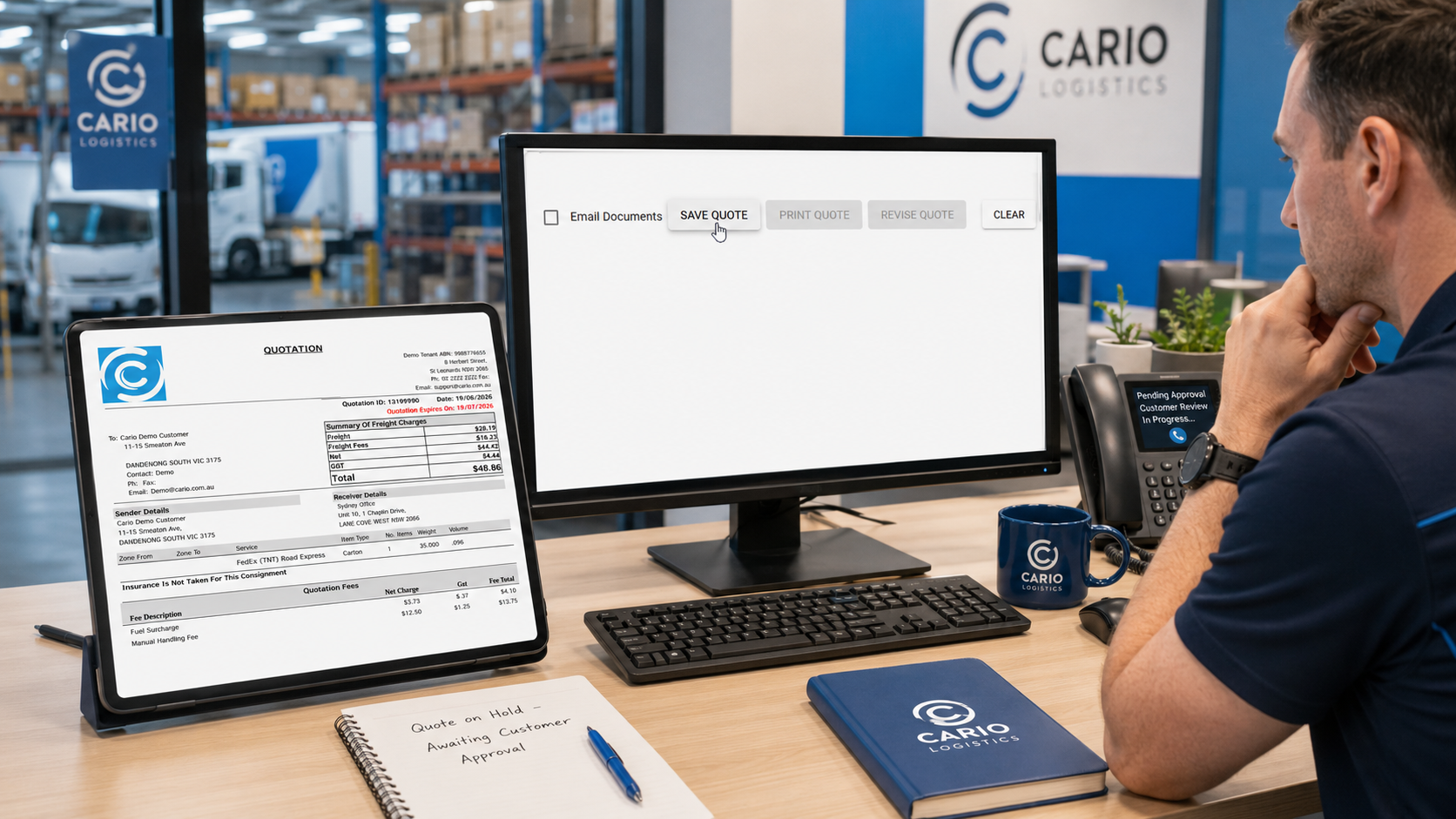
Saving a quote takes only a few clicks.
- Open Consignments
- Select Quoting
- Enter delivery and shipment details
- Click Calculate
- Review available carrier services
- Select the preferred option
- Click OK
- Select Save Quote
That's it. Your quote is now available whenever you need it.
Full guide:
https://knowledge.cario.com.au/consignments/quoting/saving-quote
How to Retrieve a Saved Quote
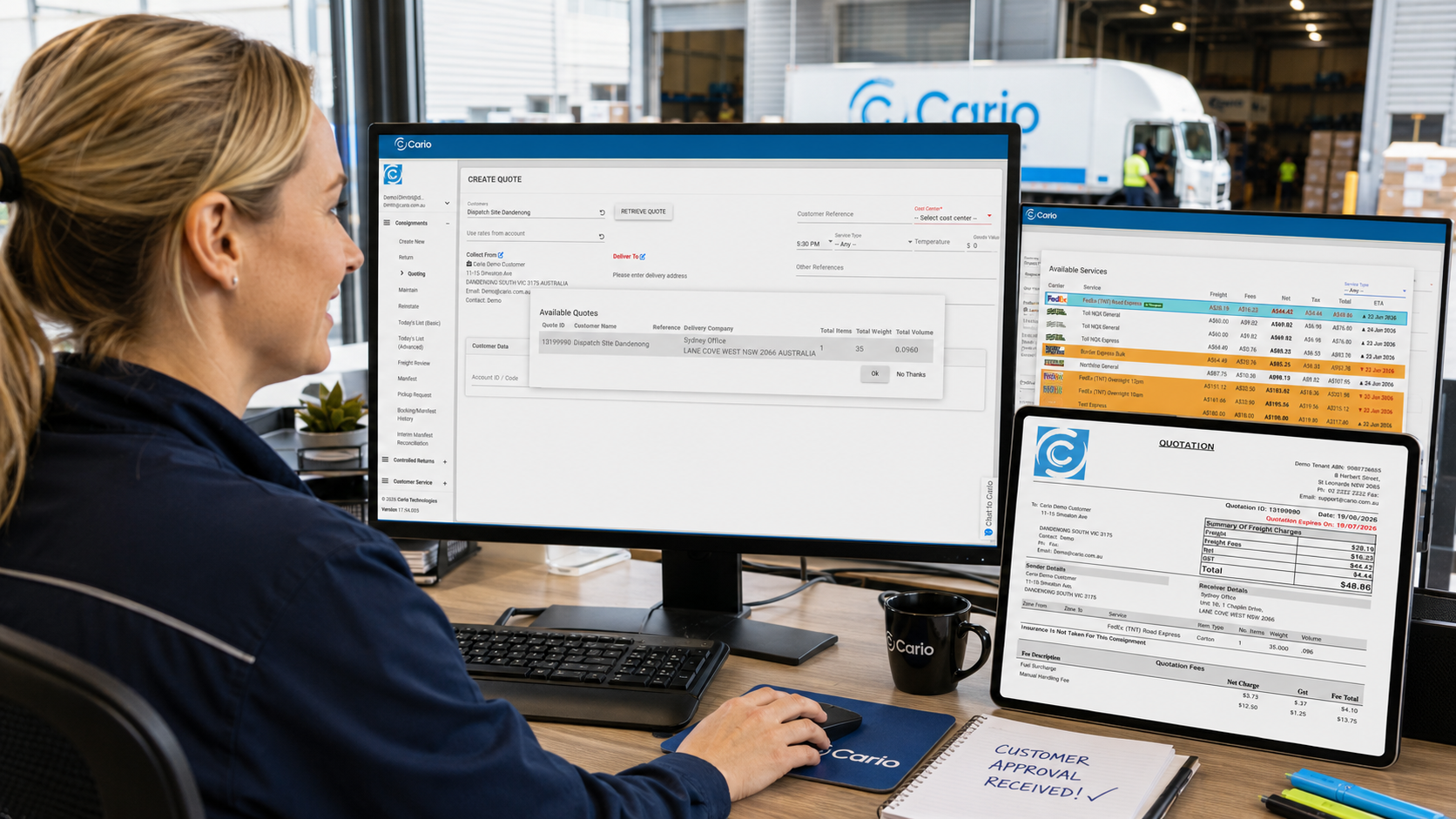
When you're ready to continue:
- Open Consignments
- Select Quoting
- Click Retrieve Quote
- Select the saved quote
- Click OK
The quote will reopen with the previously entered shipment information.
Full guide:
https://knowledge.cario.com.au/consignments/quoting/retrieve-quote
Before You Book: A Quick Tip
If any shipment details have changed since the quote was originally created, recalculate the pricing before proceeding.
This is particularly important if:
- Dimensions changed
- Weight changed
- Delivery location changed
- Collection date changed
- Carrier pricing has been updated
A quick recalculation ensures you're working with the most accurate information available.
A Real-World Example
Imagine a national distributor receives a request to ship a pallet from Melbourne to Perth. The logistics coordinator compares available services and calculates the freight cost. The customer asks for 48 hours to approve the spend. Without Save Quote, the coordinator would likely need to recreate the entire quote later.
With Cario?
The quote is saved immediately and two days later, the customer approves in which then the coordinator retrieves the saved quote, reviews the details, recalculates if required, and proceeds directly to consignment creation.
No duplicate effort. No lost information. No starting from scratch.
Work Smarter, Not Twice
Freight teams are already juggling enough:
- Customer requests
- Carrier management
- Warehouse coordination
- Delivery expectations
- Internal approvals
The last thing they need is to repeat work they've already completed. That's why Save Quote and Retrieve Quote exist.
A simple feature. A small time saver.
But over hundreds or thousands of shipments, it can make a meaningful difference to productivity, consistency, and workflow efficiency. So next time a shipment isn't ready to book immediately, don't rebuild the quote later.
Save it. Retrieve it. Continue where you left off.