

Business Central Shipping Integration | Manage Freight Inside Your ERP
03 June 2026

Connect Business Central with Cario to manage freight quotes, shipping, labels, and tracking in one system. Reduce manual work and improve visibility.
Run quoting, shipping, and tracking without leaving Business Central

If your team uses Microsoft Business Central to manage orders, chances are freight still sits outside the system.
That usually means jumping between carrier portals, copying data, and chasing tracking updates. It slows down dispatch, creates errors, and leaves teams working with incomplete information.
Cario connects directly with Business Central so your team can manage freight from quote through to delivery inside the same workflow.
Why freight breaks down inside ERP workflows
Most ERP systems handle orders well. Freight is where things start to unravel.
You might recognise this:
Warehouse teams rekey shipment details into carrier portals
Logistics staff compare rates manually across different systems
Tracking numbers get copied back into the ERP after the fact
Customer service has no real-time visibility
Finance sees freight costs too late to control them
It works at low volume. It doesn’t hold up as the business grows.
What changes when freight is connected

When freight sits inside Business Central, your process becomes consistent from start to finish.
Instead of splitting tasks across systems, your team can:
get freight quotes at the point of shipment
select the right carrier based on cost or service
create consignments without re-entering data
generate labels instantly
manage dispatch and manifests in batches
track deliveries without chasing updates
It turns freight from a manual add-on into part of your core workflow.
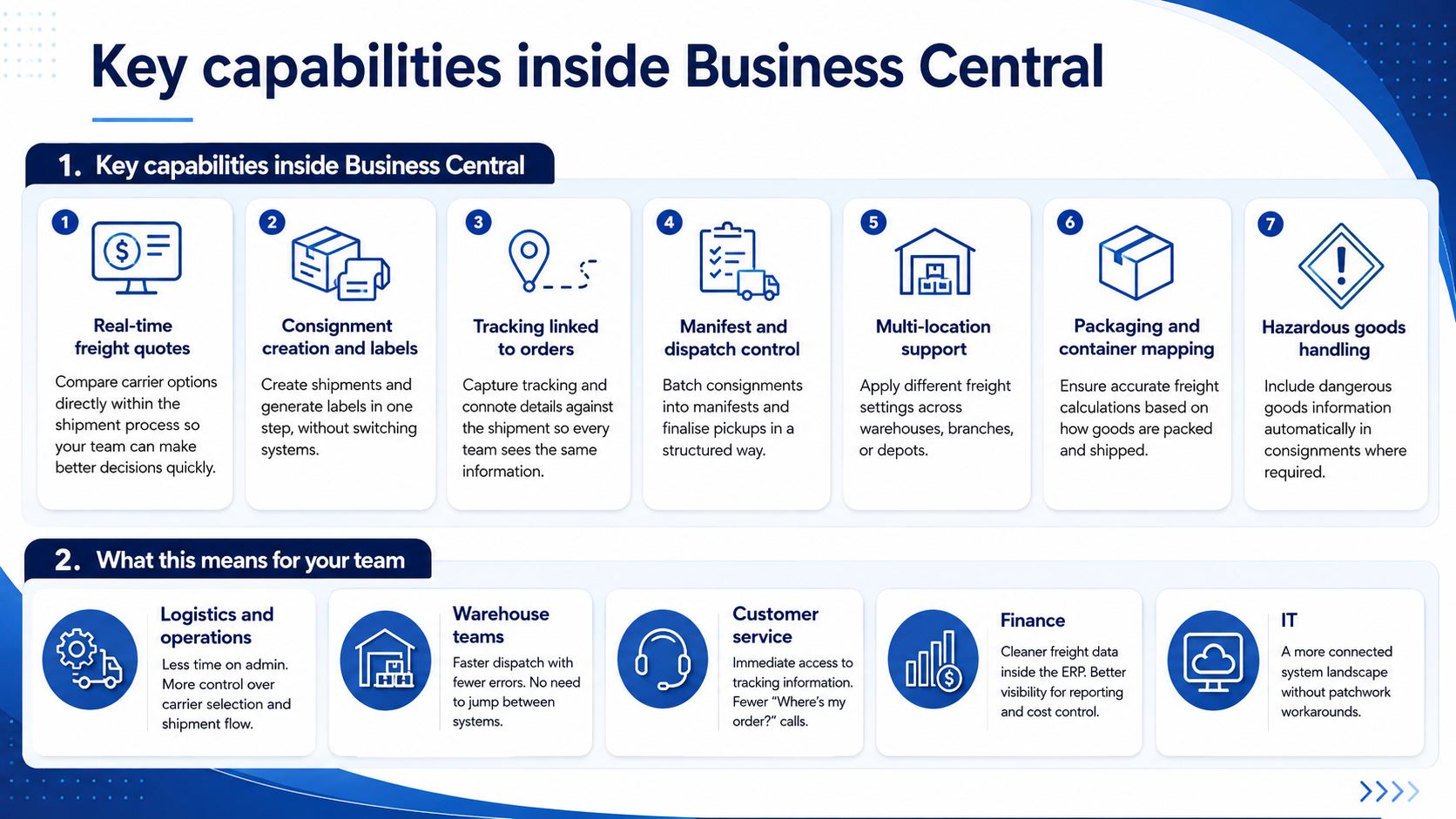
Built for real freight operations
Cario is designed for Australian and New Zealand businesses managing real-world freight challenges.
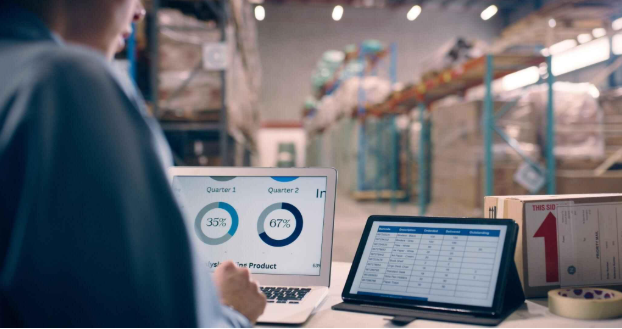
That includes:
multiple carriers across metro and regional areas
different freight types, from parcels to pallets
multi-site distribution
complex shipment requirements like dangerous goods
Instead of forcing your team to adapt to rigid systems, it fits into how freight actually works on the ground.
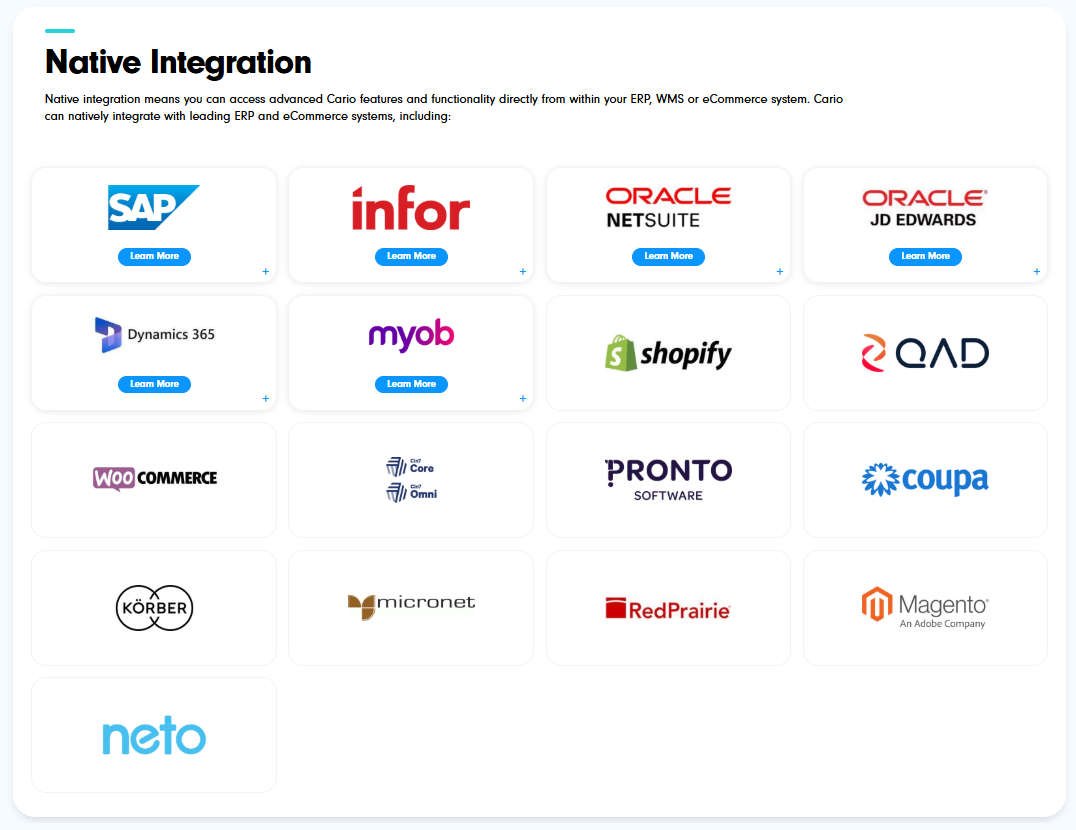
Works with the systems you already use
Cario integrates with a wide range of ERP, WMS, and eCommerce platforms.
When this becomes critical
Most businesses start looking at this when:
shipment volumes increase and manual work becomes a bottleneck
customer service is overwhelmed with delivery enquiries
freight costs are rising without clear visibility
multiple warehouses or carriers create inconsistency
ERP data doesn’t reflect what’s actually happening in dispatch
At that point, connecting freight properly is no longer optional.
Final thought
Freight is one of the most operationally intensive parts of your business. When it sits outside your ERP, it creates gaps across teams.
Bringing it into Business Central gives you a single, consistent way to manage orders, shipments, and delivery outcomes.
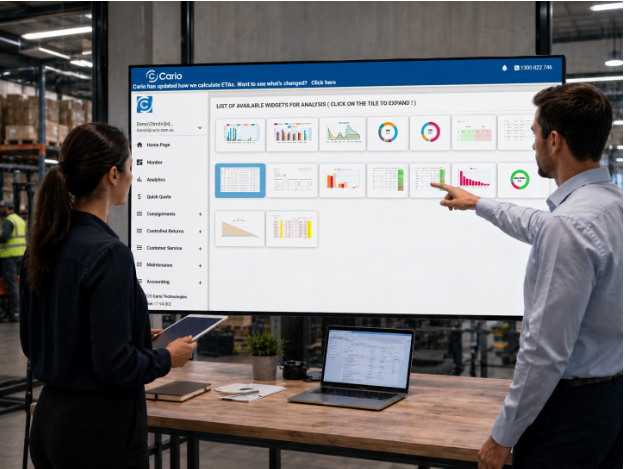
That’s where teams start to regain control.
See how freight works inside your Business Central environment